

👉 Project Website: https://www.python-office.com/ 👈
👉 Open Source Project Community 👈





Hello everyone, this is programmer Wan Feng, currently all in on AI Programming Practice.
Here are Scripts 4-7 complete with visuals, forming a complete 7-day viral script set. Film one per day, just follow along and record.
Script 4: Batch Extract Text from Images (OCR Essential)
Visual: A pile of screenshots/photos, one click to extract all text
Script:
Still manually typing from images? That's so dumb.
1 line of code, batch extract all image text.
Screenshots, photos, ID cards—all recognizable, copy and use directly.
No more half-day of manual typing, efficiency maxed out.
Follow me, comment 【Text】 for the code.
Script 5: Excel One-Click Deduplication (High-Frequency Office Pain Point)
Visual: Tons of duplicate data in Excel, one click to clear
Script:
Can't finish deleting duplicate data in Excel?
Stop manually filtering, 1 line of code gets it done.
One-click deduplication, keep only unique data, done in seconds.
Doesn't matter if it's hundreds or thousands of rows, just run it.
Want the source code? Follow me, comment 【Deduplicate】 and I'll send it to you.
Script 6: Batch Send Emails (Must-Have for Admin/Sales/Office Workers)
Visual: One-click batch email with attachments
Script:
Still sending emails one by one? Working overtime until you break down.
1 line of code, batch send emails with attachments.
Import the list, one-click mass send, saves time and effort.
Office efficiency tool, everyone who uses it loves it.
Follow me, comment 【Email】 for the complete script.
Script 7: Auto-Organize Desktop (Lazy Person's Viral Hit)
Visual: Messy desktop, one-click classification becomes clean
Script:
Is your desktop so messy you can't find files?
1 line of code, automatically classify and organize desktop.
Images, documents, videos, compressed files—all sorted in one click.
Clean desktop, better mood.
Want the code? Follow me, comment 【Desktop】 and I'll send it to you.
Small Reminder (Determines Whether You Go Viral)
- Fast pace throughout, don't ramble
- First 3 seconds only address pain points, no fluff
- Only show 1 line of code, don't explain principles
- Every video must guide to follow + keyword at the end
After filming all 7, you'll have a complete high completion rate, high follower-attracting basic video library, and traffic will get increasingly accurate.
Need me to create a unified cover text + title template for you, ready to use directly?
About the Author
I'm programmer Wan Feng, 985 Master's degree, Python China Instructor, 400k+ followers across platforms, 6 years focused on automated office work!
My courses are highly practical, easy to operate, and simple to get started with. These 4 courses will definitely help you learn something valuable!
Python China Conference: How Non-Programmers Can Learn and Use Python - Wan Feng - Tech Blogger & Open Source Author
Come join us and change the way you work with Python!
- 《50 Lectures · Python Automated Office》 for Beginners
- 《30 Lectures · AI Programming Training Camp》 for Beginners
- 《Python OCR Automatic Batch Recognition》 for Beginners
- 《6 Lectures · Python Automatic Email》 for Beginners
- 《30 Lectures · AI Programming Training Camp》 for Beginners

Also, please go like Xiao Ming's Xiaohongshu account below! I'm tired of working hard and want to leech off someone.

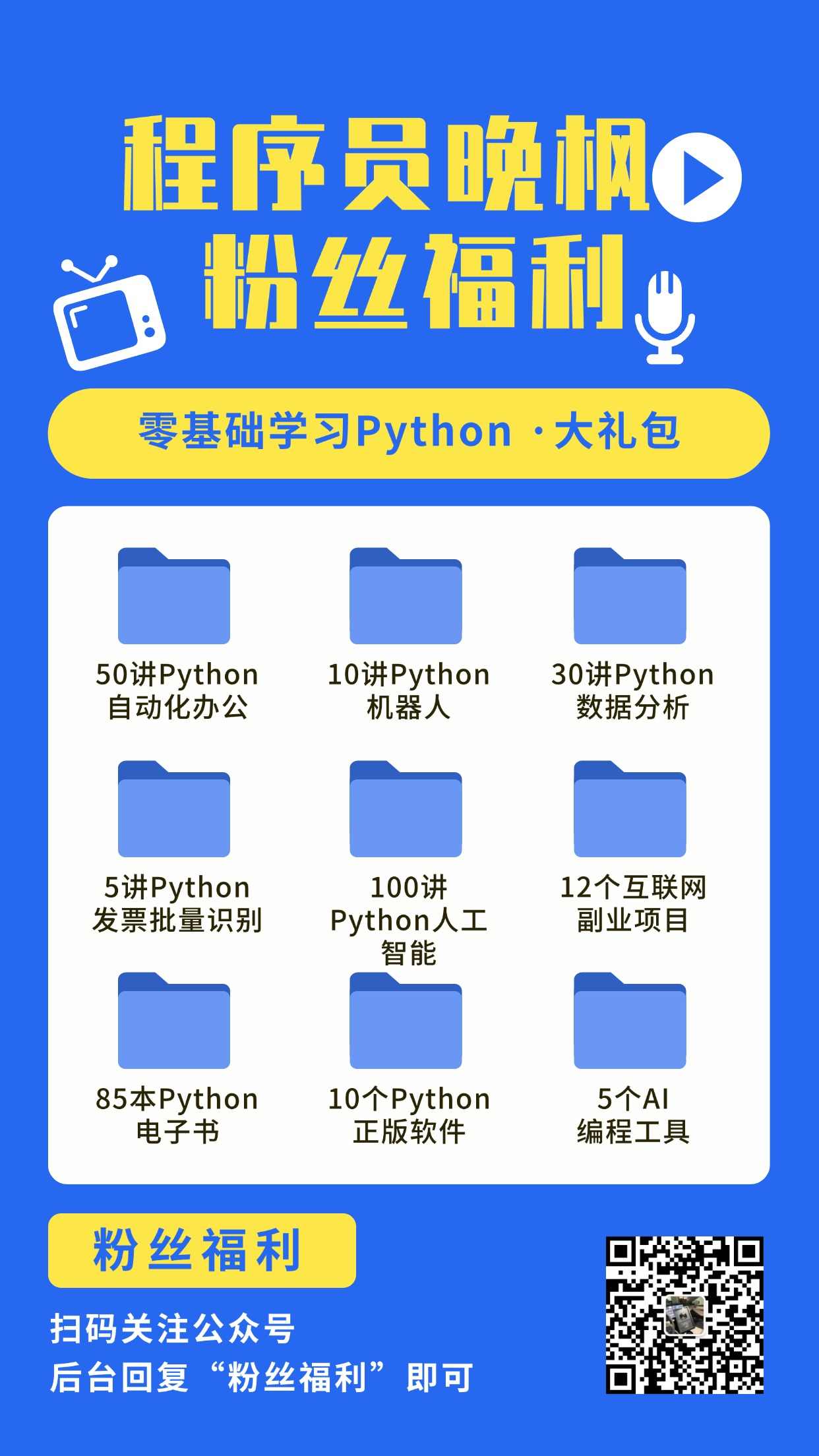


Programmer Wan Feng focuses on AI programming training. After beginners watch his tutorial co-created with Turing Community 《30 Lectures · AI Programming Training Camp》, they can start doing AI projects.
